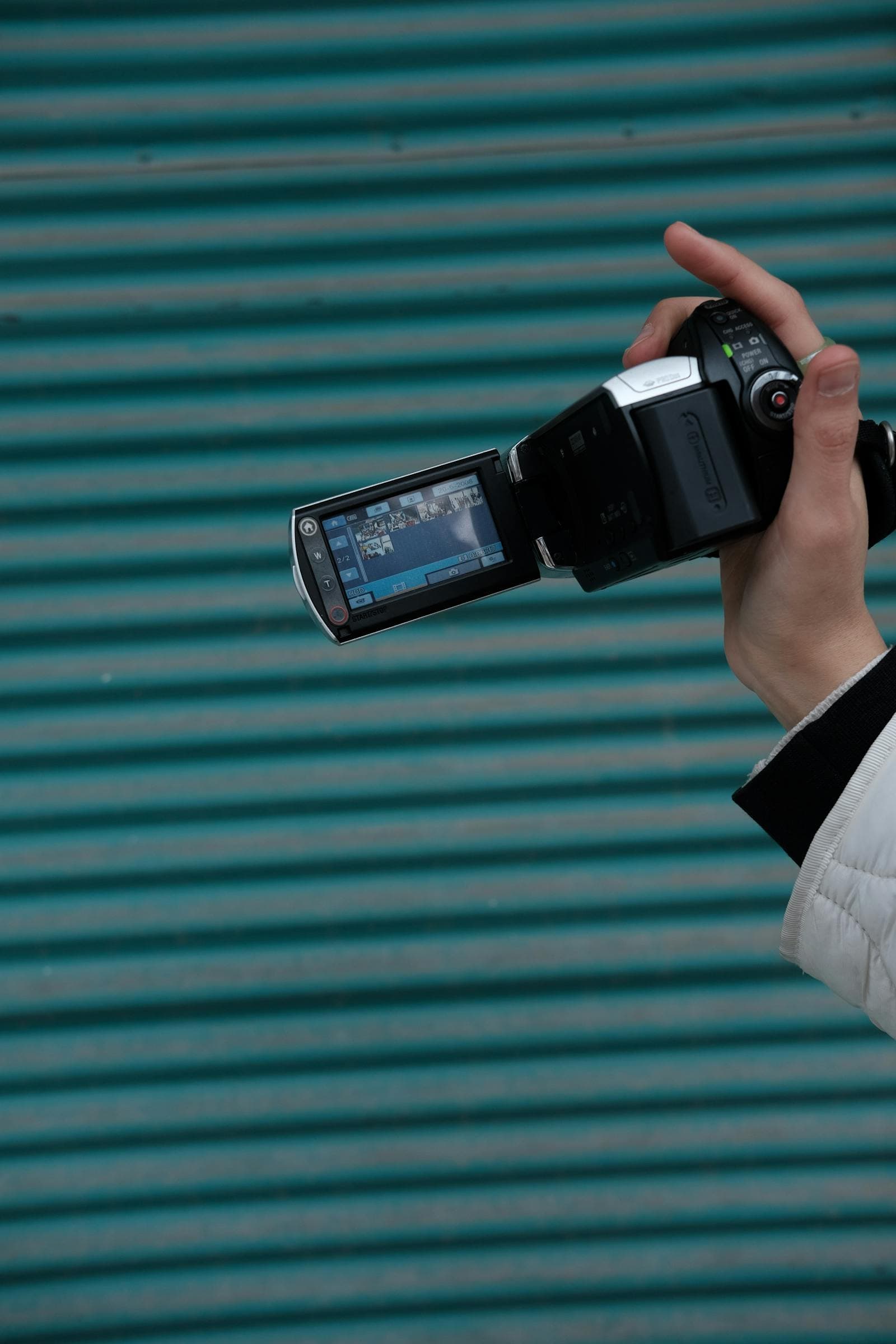
You plug in an old SD card, double-click a file, and your Mac (or your laptop, or your phone) shrugs at you. The file is there. It has a recognizable size. The camcorder it came from worked fine. So why won't anything open it?
The short answer: it's AVCHD, and "modern" devices have spent the last few years quietly removing support for it.
The longer answer is more interesting, and once you understand what's actually on that SD card you'll know exactly how to rescue it.
AVCHD is a standard, not a single file
AVCHD stands for Advanced Video Coding High Definition. It was developed by Sony and Panasonic in 2006 as the consumer-camcorder answer to "how do we record HD video onto cheap SD cards and DVDs without filling them up in five minutes?" It used H.264 — at the time, brand-new — and packaged it in a structure that worked well for both flash media and Blu-ray.
For about a decade, almost every consumer HD camcorder you could buy was AVCHD: Sony Handycams, Panasonic HDC-series, Canon Vixia, JVC Everio HD models, and many more. If you've got a camcorder from roughly 2006 to 2015 sitting in a drawer, there's a very good chance it's AVCHD.
Here's the part that trips everyone up: AVCHD isn't a single file format. It's a folder structure on your storage media. If you put an AVCHD SD card into your computer and look at it, you'll see something like this:
PRIVATE/
  AVCHD/
    BDMV/
      INDEX.BDM
      MOVIEOBJ.BDM
      CLIPINF/
      PLAYLIST/
      STREAM/
        00000.MTS
        00001.MTS
        00002.MTS
The video itself lives inside STREAM/ as .MTS files (or sometimes .M2TS after import software touches them). Everything else in the AVCHD folder is metadata — clip indexes, playlists, structural files the camcorder uses to keep track of recordings.
When your camcorder plays back footage, it uses those metadata files to know which clips belong together, in what order, what date they were recorded. When you try to open the same SD card on a modern computer, the computer has no idea what any of that means. It just sees a folder.
The "files won't play" problem
There are two separate things going wrong, and it helps to keep them apart:
Problem 1: macOS, iOS, and modern browsers don't natively support .MTS or .M2TS. Apple removed AVCHD support from QuickTime years ago. Recent versions of iMovie can't import the files. Safari, Chrome, and Firefox have never supported playing them in a <video> tag. Your phone won't play them either.
The video data inside is fine — it's H.264, the same codec that runs the modern internet. The container format (.MTS) is what's being rejected. It's like having a perfectly normal book locked inside a strange-shaped box that no one's bookshelf will accept.
Problem 2: even if you had a player that handled .MTS, the AVCHD folder structure makes it hard to find the files. People plug in their SD card, open Finder, see "PRIVATE / AVCHD / BDMV / CLIPINF / PLAYLIST / STREAM" and bail. The STREAM/ subfolder is where the actual video lives, but it's buried four levels deep and the filenames look like garbage (00001.MTS).
Combined, these two problems are why "AVCHD won't play" feels like such an opaque error. The files are there, they're not corrupted, but the experience of trying to access them is hostile.
What used to work and doesn't anymore
If you used these camcorders when they were current, you probably had a workflow built around the camcorder's bundled software:
- Sony PMB / PlayMemories Home for Sony Handycams
- Panasonic HD Writer for Panasonic camcorders
- Canon ImageBrowser EX / Cinema Tools for Canon
- JVC Everio MediaBrowser for JVC
All of these did the same basic thing: they read the AVCHD folder, knew how to interpret the metadata, and either renamed the .MTS files to .M2TS and dropped them in a sane location, or imported them into a project format their video editor understood.
The problem is that most of these programs are abandonware now. They don't run on current macOS or Windows. The bundled discs that came with the camcorder are scratched or lost. Sony's PlayMemories cloud service shut down. Even when you can find the installer, it often won't launch on a 2025 OS.
So the canonical "how to deal with AVCHD" workflow your camcorder shipped with no longer exists for most people. Which leaves you staring at an SD card full of .MTS files with no obvious next step.
How to actually rescue AVCHD footage
The fix is simple in concept: re-encode the .MTS files into MP4 (H.264). This:
- Repackages the same H.264 video stream into a container (
.mp4) that every device made in the last fifteen years recognizes. - Removes the AVCHD folder-structure barrier — you end up with one normal video file per clip, openable by anything.
- Makes the file durable. MP4 is the most widely supported video format in history; if you store an MP4 of your footage today, you'll still be able to play it in 2040.
There is a small quality cost — re-encoding always loses a tiny bit — but on consumer camcorder footage it's effectively invisible. The trade is enormous: a file you can actually use vs. a file that's locked behind dead software.
Step-by-step:
- Get the
.MTS(or.M2TS) files off the SD card. Just copy the contents ofPRIVATE/AVCHD/BDMV/STREAM/to your computer. You can ignore the rest of the AVCHD folder — those metadata files don't survive the conversion and nothing modern uses them. - Convert to MP4. That's where CamcorderRescue's MTS / AVCHD converter comes in. Upload one of the files, pick MP4, download. No software install, no Sony PMB resurrection, no Premiere subscription.
- Back up the originals. The
.MTSfiles are still your archival source — the MP4 is the playable copy. Drop both onto cloud storage (Google Drive, iCloud, Dropbox) or an external drive.
That's it. Once you have the MP4, every modern device, browser, editor, and TV will play it without complaint.
Why now matters
The reason "rescue" is the right word for this is that the underlying media is decaying:
- SD cards lose data over time when stored in attics and basements. Unlike a hard drive, flash memory doesn't tolerate years of zero power well. Some cards are fine; some develop unreadable sectors.
- Camcorder software keeps getting deprecated. Each macOS and Windows release cuts another tool. The path to rescue gets harder, not easier, every year.
- Camcorders themselves break. And once the camcorder is gone, even the metadata files and proprietary import flows that do still work become useless.
Whatever's on those .MTS files — a kid's first birthday, a wedding, a vacation — the conversion job gets harder over time. Now is the easiest it's going to be.
If you want to start with the file you already have, the converter is here. If you have a stack of SD cards and aren't sure which has what, copy STREAM/ contents to a folder on your desktop, do one conversion, see what's on it, then keep going.